
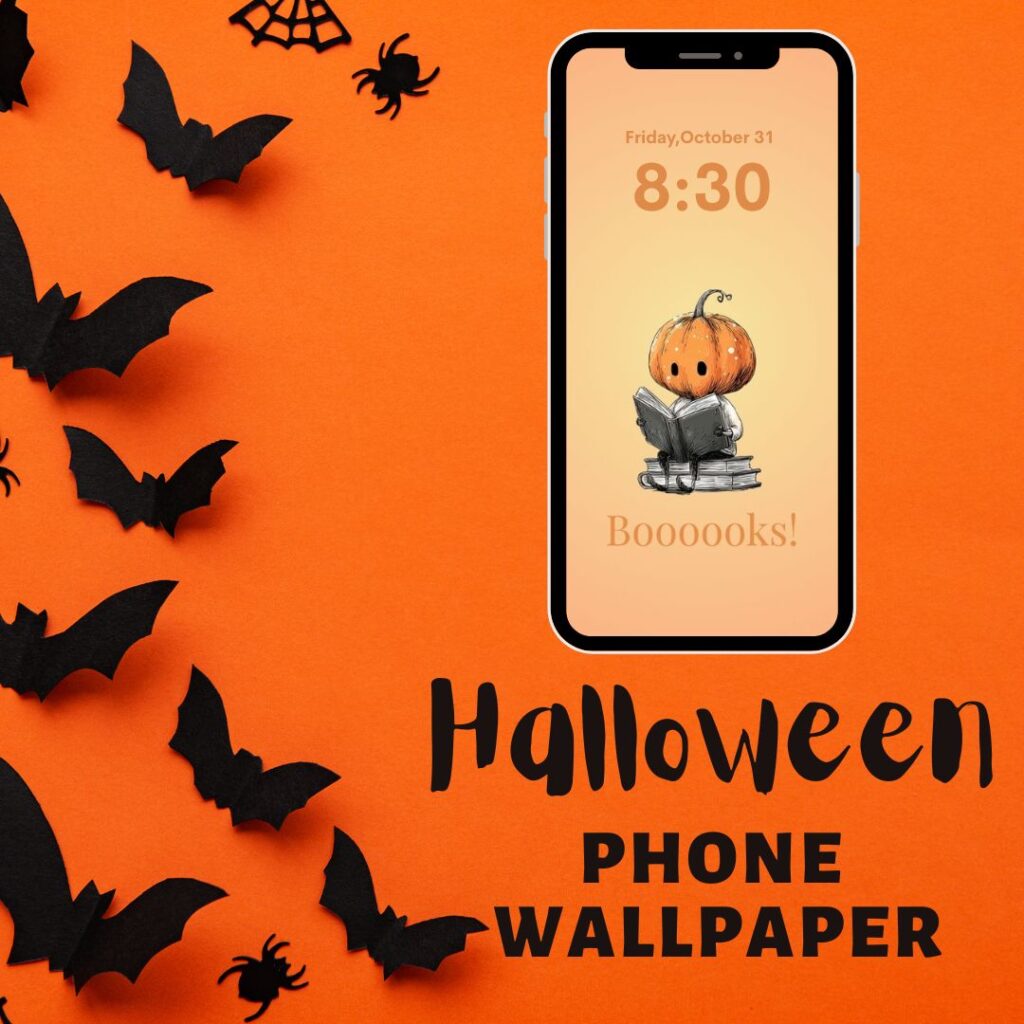
Fall is the perfect time for more Boooooks!
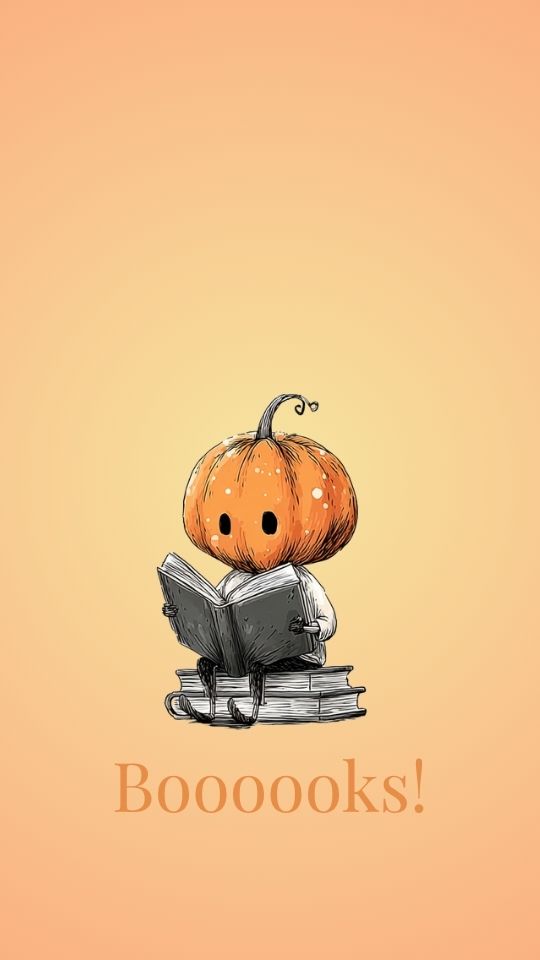
How to Save & Use this free phone background:
For iPhone:
- Tap the image.
- Hold down on the image and tap “Add to Photos” or “Save Image.”
- Open your Photos app, select the image, then tap the Share icon → Use as Wallpaper → Set Lock Screen/Home Screen/Both.
For Android:
- Tap the image.
- Press and hold on the image, then tap Download Image or Save to Device.
- Open your Gallery or Photos app, tap the image, and from the menu choose “Set as wallpaper.”
On a Computer:
Right-click on the image and choose “Save As” to download it. Then:
- Airdrop it to your phone (Mac users),
- Email it to yourself and open it on your phone,
- Or upload it to your cloud storage (like Google Drive or Dropbox) to access it on your mobile
Looking for a fun, Fall-themed cozy mystery to read? Check out Book 4 in my Hadley Sutton Mystery Series, Cider Orange Chaos!